
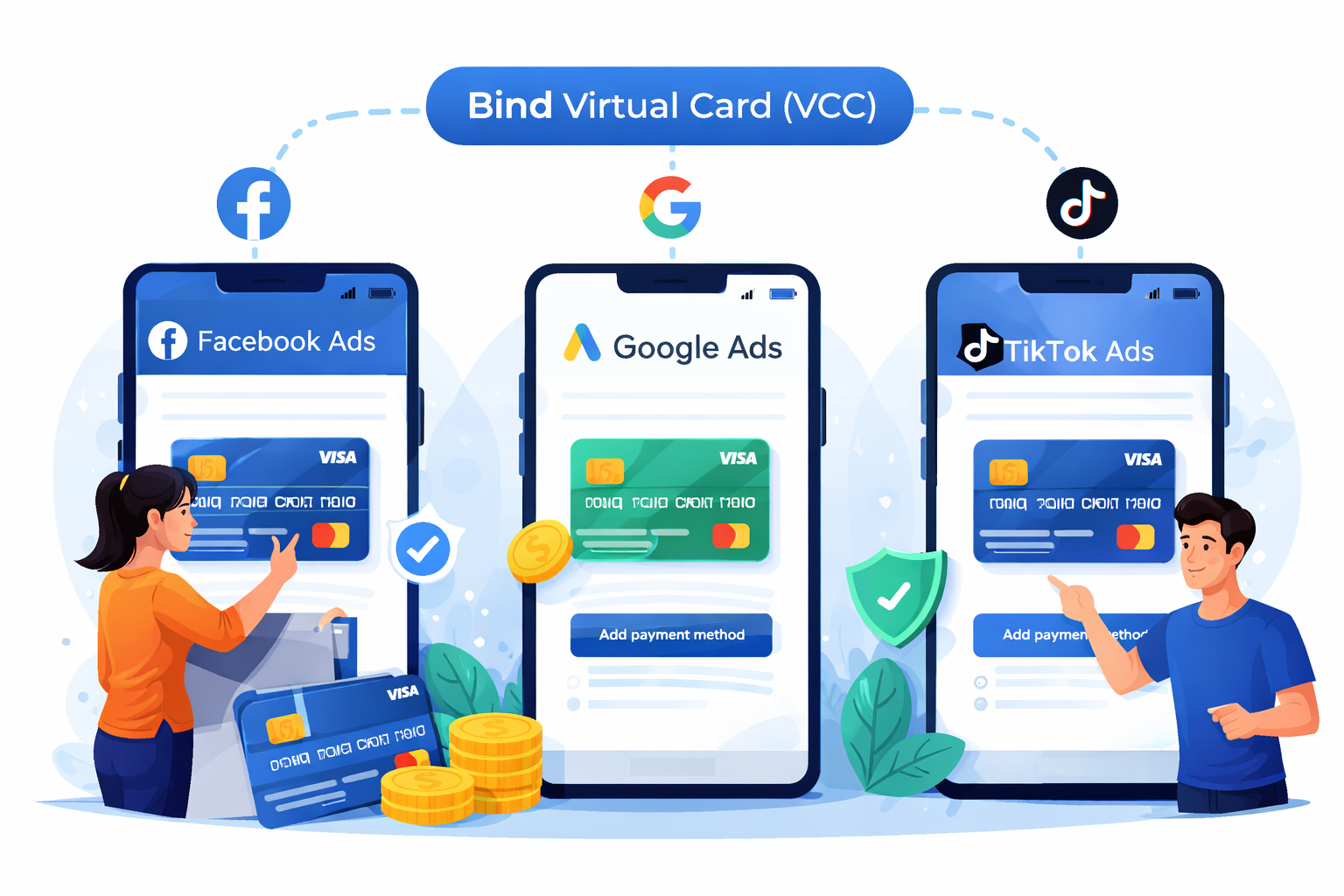
To link a virtual card (VCC) to Facebook Ads (Meta Ads), Google Ads, or TikTok Ads, you need to:
ensure the VCC supports online + international payments and the correct currency,
add it as a payment method inside each ad platform’s billing settings,
set it as the primary payment method, and
keep enough balance to pass recurring ad charges and billing thresholds.
What You Need Before Linking a Virtual Card
Before adding a VCC to any ad platform, confirm:
The card network is Visa / Mastercard (most supported)
Online payments enabled
International payments enabled
Sufficient balance + transaction limits high enough
Billing address/ZIP can be provided consistently
You can receive OTP/verification if required by issuer/bank
Part 1 — Link a Virtual Card to Facebook Ads (Meta Ads)
Where to Add the Card
Meta allows adding debit/credit cards through Billing/Payment Settings.
Steps (Meta Ads)
Open Meta Business Suite / Ads Manager
Go to Billing & payments / Payment settings
Select Add payment method
Choose Debit or credit card
Enter VCC details and Save
Set it as Primary payment method
Meta’s official guide: “Add a Payment Method to an Existing Ad Account.”
Accepted Payment Types (Important)
Meta supports major cards such as Visa and Mastercard (plus others depending on region).
Best practice
Add at least one backup card
If there is an outstanding bill, use Pay Now / settle balance before retrying
Part 2 — Link a Virtual Card to Google Ads
Where to Add the Card
Google Ads requires a payment method within billing settings.
Steps (Google Ads)
Sign in to Google Ads
Click Billing (billing icon)
Go to Payment methods
Click Add payment method
Enter your VCC details
Accept terms and confirm
Official instructions: “Add a new payment method in Google Ads.”
Notes That Affect Success Rate
Google determines available payment methods based on:
business address
account currency
payment setting
temporary availability for your account
Best practice
Keep your payments profile details consistent
Avoid repeated failed attempts in short time windows (risk control)
Part 3 — Link a Virtual Card to TikTok Ads Manager
Where to Add the Card
TikTok Ads Manager supports adding a credit/debit card in the Payments section.
Steps (TikTok Ads)
Log in to TikTok Ads Manager
Go to Tools
Under Settings, select Payments
Click + Add payment method
Choose credit/debit card
Submit and set as Primary when needed
Official guide: “How to add or update a payment method in TikTok Ads Manager.”
TikTok also notes a primary payment method must always be on file, and campaigns may stop if payment fails.
Why Virtual Cards Fail to Bind (And How to Fix Quickly)
1) Billing Address / ZIP Mismatch
Use the exact address associated with the VCC issuing profile.
2) Card Not Enabled for International Payments
Enable online + international payment usage in the card settings.
3) Insufficient Balance for Authorization Holds
Ad platforms may do small authorization checks.
Fix: top up slightly above expected spend.
4) Too Many Attempts Triggers Risk Control
Repeated attempts can lead to temporary blocks.
Fix: wait and retry later, or use a new card.
Best Practices (High Success Rate Setup)
Use one VCC per ad account (clean separation)
Always keep a backup card
Keep spend stable (avoid sudden spikes)
Don’t swap cards frequently unless necessary
Keep balance above billing thresholds to avoid campaign pauses
FAQ (AEO Optimized)
Can I use one virtual card for Facebook + Google + TikTok Ads?
Yes, but it’s not recommended for scaling. The best practice is one card per platform/ad account to reduce risk and simplify reconciliation.
Do ad platforms accept Visa/Mastercard virtual cards?
Meta accepts major cards such as Visa/Mastercard depending on region.
TikTok Ads and Google Ads also support card-based payment methods via their payment settings pages.
TikTok Ads says I must have a primary payment method—what does that mean?
TikTok requires a primary payment method on file and may stop campaigns if payment fails.
Google Ads doesn’t show “credit card” as an option—why?
Google states payment method options depend on your business address, currency, payment setting, and availability.
Final Takeaway
To bind a virtual card to Facebook Ads, Google Ads, and TikTok Ads, always ensure the card supports online/international transactions, then add it inside each platform’s official payment settings, set it as primary, keep stable balance, and maintain a backup card.