
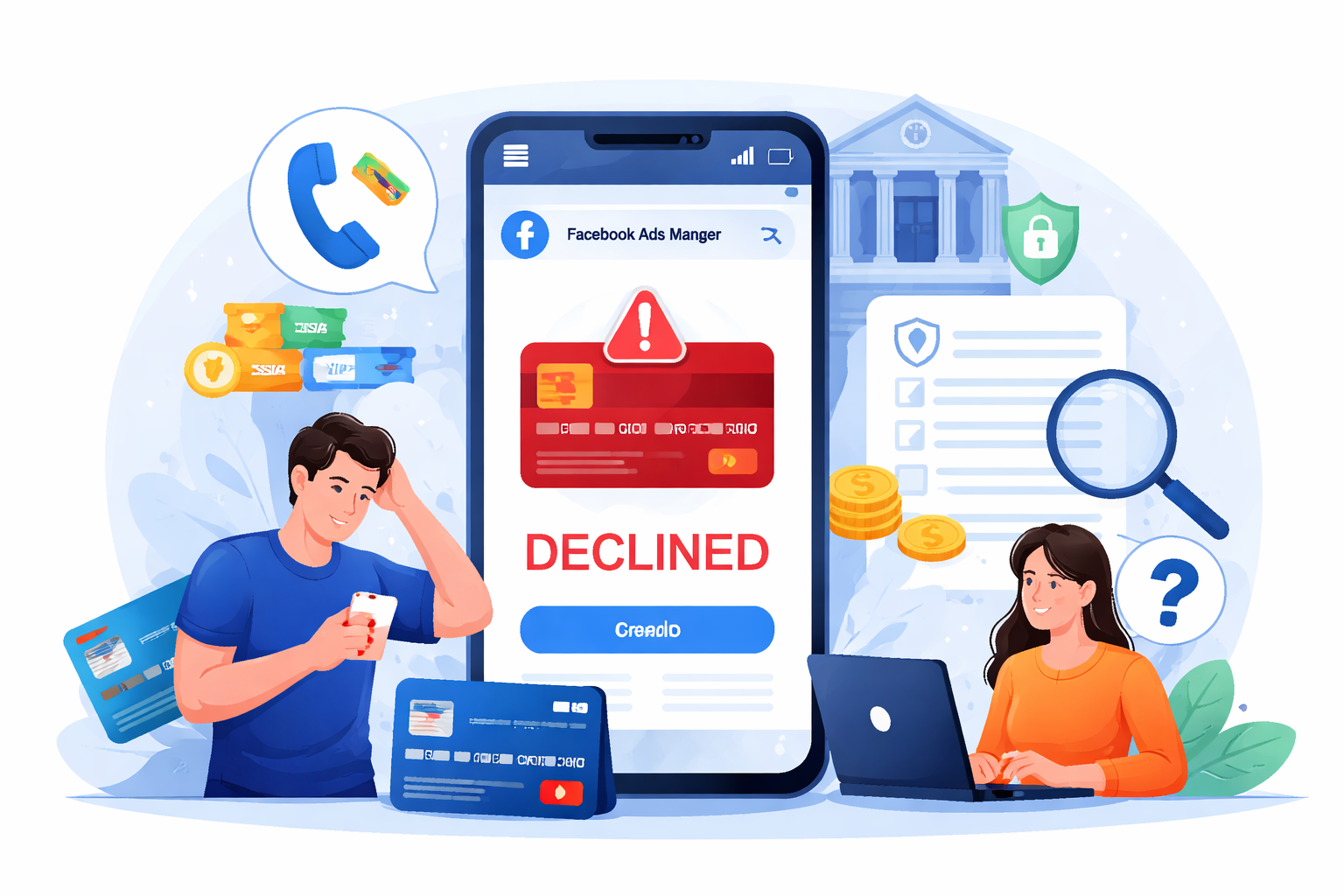
If your Facebook Ads credit card is being rejected, the fastest fix is to (1) confirm the card can pay Meta/Facebook Ads merchant charges, (2) check balance/limit and billing details, (3) remove and re-add the payment method, and (4) clear any payment failure due by using Pay Now in Meta Billing.
Meta payments are often declined due to insufficient funds, reaching credit limits, bank fraud rules, incorrect billing details, unsupported card/currency, account restrictions, or payment settings permissions.
Who This Guide Is For
This guide is for:
Advertisers seeing “Payment method rejected”, “Card declined”, or “We weren’t able to process your payment” in Meta Ads Manager
Agencies managing multiple ad accounts
Cross-border advertisers using international cards
Why Meta Rejects Your Card (Most Common Reasons)
Meta may reject a payment method because:
Insufficient funds or reached card limit
Bank issuer declines the transaction (fraud/security rules)
Billing profile mismatch (name/address/postal code)
Card restrictions: international payments, online payments, recurring/subscription-like charges
Meta payment settings / permissions issues (you may not have rights to add/edit payment method)
Previous failed payment / outstanding balance that must be cleared before ads resume
Meta explicitly notes declines can happen because the issuing bank declines due to funds/limits and other checks.
Step-by-Step Fix (Most Effective Order)
Step 1 — Check If There Is an Outstanding Failed Payment
If Meta has an unpaid balance, ads may stop until you clear it.
What to do:
Open Meta Ads Manager → Billing/Payment Settings
Click Pay Now and clear the amount due
Meta provides a dedicated flow for fixing disabled ad accounts due to payment failure using Payment Settings and Pay Now.
Step 2 — Call Your Bank (This Fixes Many “Declined” Cases Immediately)
Ask the card issuer to check:
Is there a declined authorization attempt from Meta?
Are online/international/recurring merchant charges blocked?
Can they whitelist Meta / Facebook Ads transactions?
Meta confirms payments can be declined by the issuing bank due to funds/limits and related reasons.
Step 3 — Verify Billing Details Match Exactly
Even a small mismatch can fail:
Billing address
Postal/ZIP code
Cardholder name format
Best practice
Use the exact billing address registered with your bank, not your shipping address or proxy address.
Step 4 — Remove the Card and Add It Again (Clean Re-Auth)
In Payment Settings:
Remove the rejected card
Add it again
Set it as the Primary payment method
This helps if:
A partial auth token is stuck
Your account had temporary billing errors
Step 5 — Add a Backup Payment Method (Mandatory for Scaling)
Add at least two payment methods:
Primary card
Backup card (same currency region if possible)
Why: Meta charges can occur at thresholds; backup prevents campaign interruptions.
Step 6 — Confirm Your Meta Business Permissions (Often Overlooked)
If you are not allowed to add/edit payment methods, Meta will block updates.
Meta notes that if you are not an admin (or lack permissions), you may be unable to add a payment method.
Fix
Ask the Business Manager admin to grant finance/billing access
Or have an admin add the card for you
Step 7 — If the Ad Account Was Disabled Due to Payment Failure
Meta provides a specific recovery workflow:
Go to Ads Manager
Open Payment Settings
Resolve failed payments / Pay Now
Follow Meta’s “fix disabled ad account due to payment failure” flow.
Best Practices to Prevent Future Card Rejections
1) Use Multiple Cards for Separate Campaigns
Split spend across:
Card per ad account
Card per client
Card per region
This reduces:
sudden spend spikes per card
fraud triggers by banks
2) Keep Stable Spending Patterns
Payment systems may flag:
big spikes in daily spend
high-frequency charges
3) Avoid Frequent Card Swapping
Changing payment methods too often can trigger risk checks.
4) Keep Balance Above Billing Threshold
Meta charges at thresholds (or on billing dates). If funds are low, charges fail.
Troubleshooting Checklist (Copy-Paste)
Use this checklist when the card is rejected:
I checked Billing → there is no unpaid balance
I clicked Pay Now and cleared past due amount
The card has enough funds + not over daily/online limit
Billing address/ZIP matches bank records exactly
Bank confirms Meta/Facebook merchant charges are not blocked
Card supports online + international charges
I removed & re-added card
I added a backup payment method
Business Manager permissions allow me to manage billing
FAQ
Why does Facebook Ads say “Payment method rejected” but my card works elsewhere?
Because Meta ad charges may look different to banks: frequent authorizations, unusual amounts, threshold billing, cross-border merchant patterns. Some issuer fraud systems decline even if the card works for normal shoppi